Add Your Website for Training
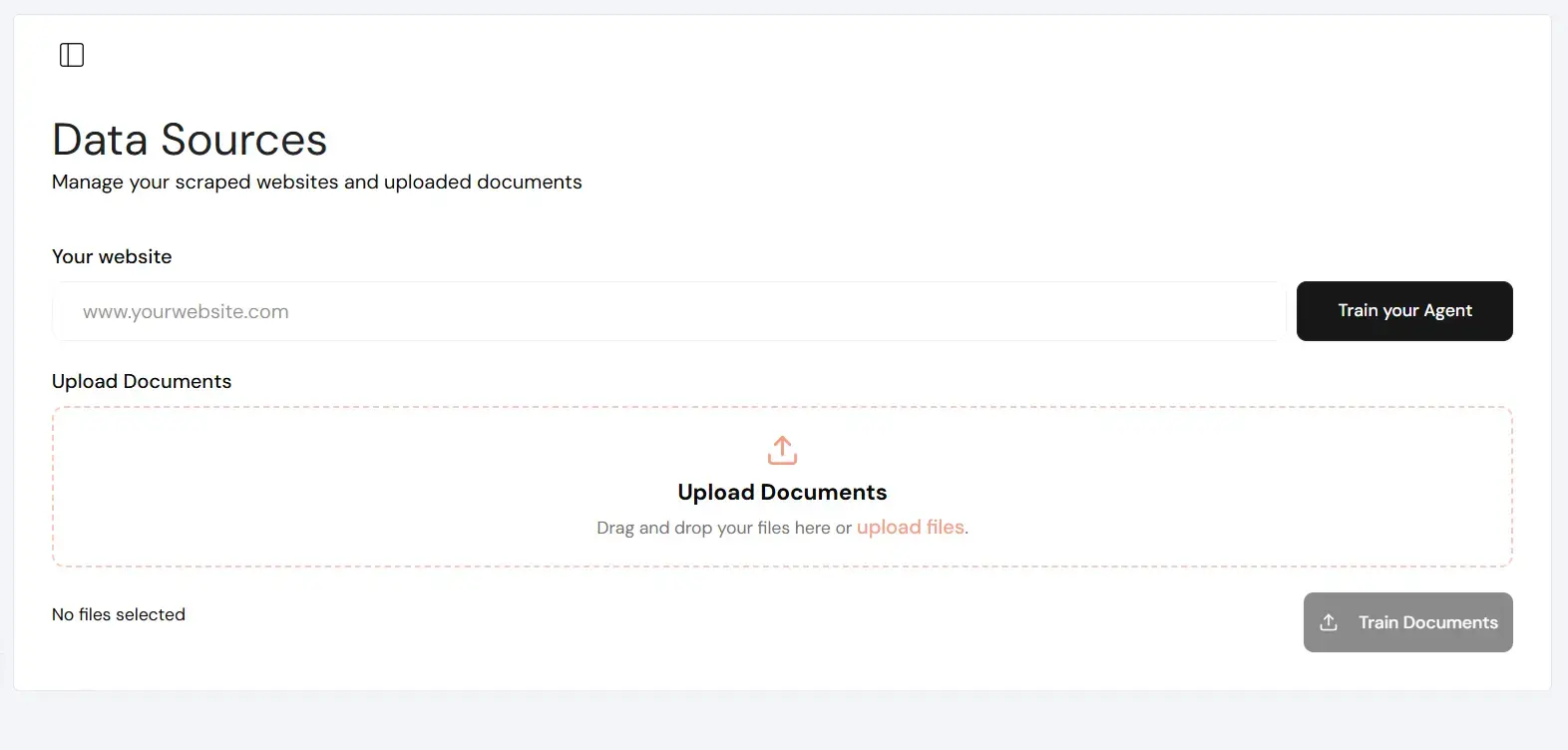
Follow simple steps to add your website to Data Sources, and let Witzo automatically extract and structure your content for accurate AI interactions.
Overview
Website scraping is the primary way Witzo builds your knowledge base. Once added, your pages are crawled, processed, and indexed for AI-powered Conversations. This process ensures your AI has the most up-to-date information directly from your site.
Where to add URL
| Step | Action |
|---|---|
| 1 | Go to Dashboard → Data Sources |
| 2 | Click Add URL |
| 3 | Enter your website homepage URL |
| 4 | Click Save |
| 5 | Start training |
How scraping works
Witzo automates the ingestion process through the following sequence:
This process enables retrieval-augmented generation (RAG), meaning answers are strictly based on your actual website content.
Content Guidelines
Crawl Limits
Limits are determined by your active subscription plan.
Important Notes
- Only public content is scraped by default.
- Large sites may take longer to process.
- Authenticated pages are not supported.
- JavaScript-heavy sites may have partial coverage.