Google Login
Sign in using Google or email to access your dashboard, then complete the setup wizard to configure data sources and embed Witzo.
- Go to Login Page (https://www.witzo.ai/login)
- Click Login with Google.
- Select your Google account.
- Approve access.
- You are redirected to your dashboard.
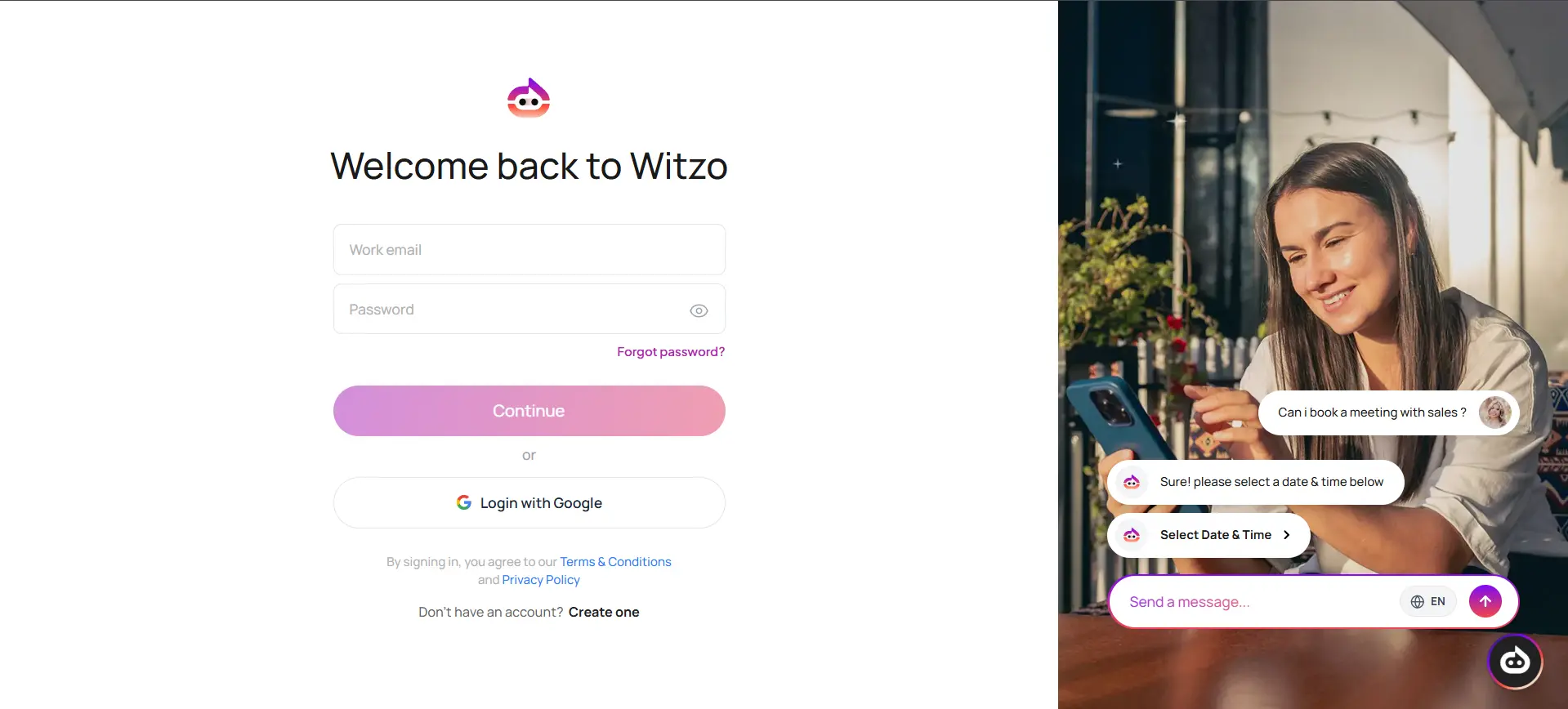
Login With Email
- Enter email
- Enter Password
- Click On Continue Button
- You are redirected to your dashboard.
First-Time Setup Wizard
After your first login, Witzo guides you through a short setup process.
- Add Data Sources.
- Configure Widget Customization.
- Embed the script on your website.
Once completed, you gain access to the full dashboard.